
Usability testing with kids for streaming platforms
I conducted usability tests with over 25 children for two streaming platforms, each catering partly or entirely to children. The usability tests aimed to assess the user-friendliness of the platforms and to test several design experiments to see if they align with the needs and expectations of young users. The kids were aged 6 to 12 years, the primary target audience for both platforms.
Organising tests
Contacting schools and parents
I reached out to schools via email and phone, asking if they were interested in participating in the user research. Upon agreement, parents were sent a survey to gather details and consent. From the completed surveys, I drafted a tentative schedule, which I shared with the school. After some coordination, we finalized a test day and schedule.
TIP - preferably conduct tests with pairs
Forming duos with friends encourages shy children to express themselves more freely. Additionally, observing the duo's decision-making process is valuable.
Location
Tests were conducted in (seperate) school classrooms to ensure a familiar environment.
Materials
I conducted tests using various devices (laptop, smartphone, tablet) as well as with a single device. Testing with different devices broadens the assessment of platform usability but may limit detailed testing per device. Furthermore, having a camera to capture interactions with test devices makes processing tests easier and allows for remote observation.
Drafting a script
In preparation, I drafted a script outlining the flow of usability tests. It includes descriptions of the test procedures, the tasks assigned to the children, and additional questions to ask at each stage.
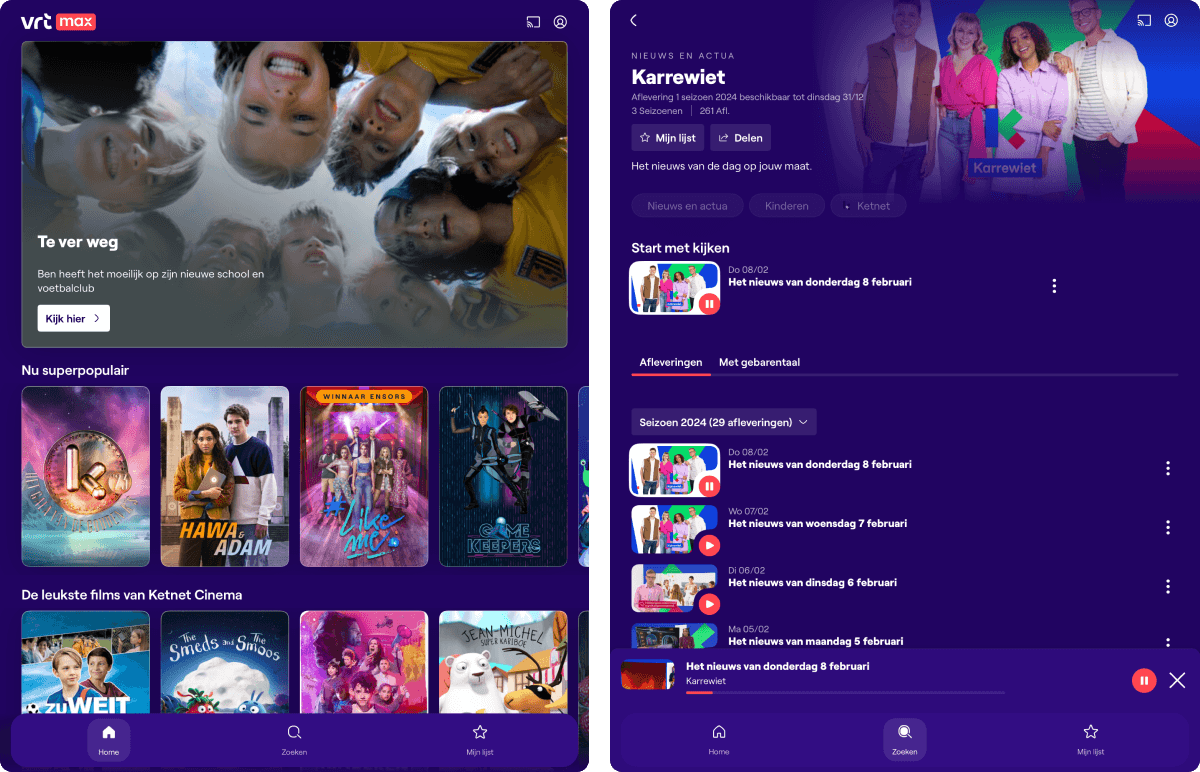
screenshots of app used during user testing
Conducting tests
Gathering kids from classrooms
I greeted the children and introduced myself, then accompanied them to the test room. I explained that we would be testing a platform designed by adults for children, emphasizing that adults, being much older, might not fully grasp children's needs. Hence, we rely on the expertise of children to improve the app.
TIP - icebreaker activity
Brief activities can help children feel at ease before testing began. Activities may include: shrinking newspaper (children stand on newspaper as it's gradually torn smaller), collaborative drawing, playing a brief board game or the "I spy" game.
Usability test of the platform
I provided the children with context about the testing process, reassuring them that encountering issues or difficulties is normal and not their fault. After introductory questions, the child navigated the platform and completed various tasks. Following the script, I probed further based on their responses.
Describing and drawing the ideal app
After the test, I asked the children how they would change the platform if they were in charge and encouraged them to draw their ideas. This allowed children to express improvements visually. I allowed sufficient time for drawing and let them explain their drawings.
Prototyping design experiments
Finally, I presented children with prototypes or mockup screens to gather feedback and observe their interaction. Afterward, I thanked them for their participation, addressed any questions, and escorted them back to their classrooms.
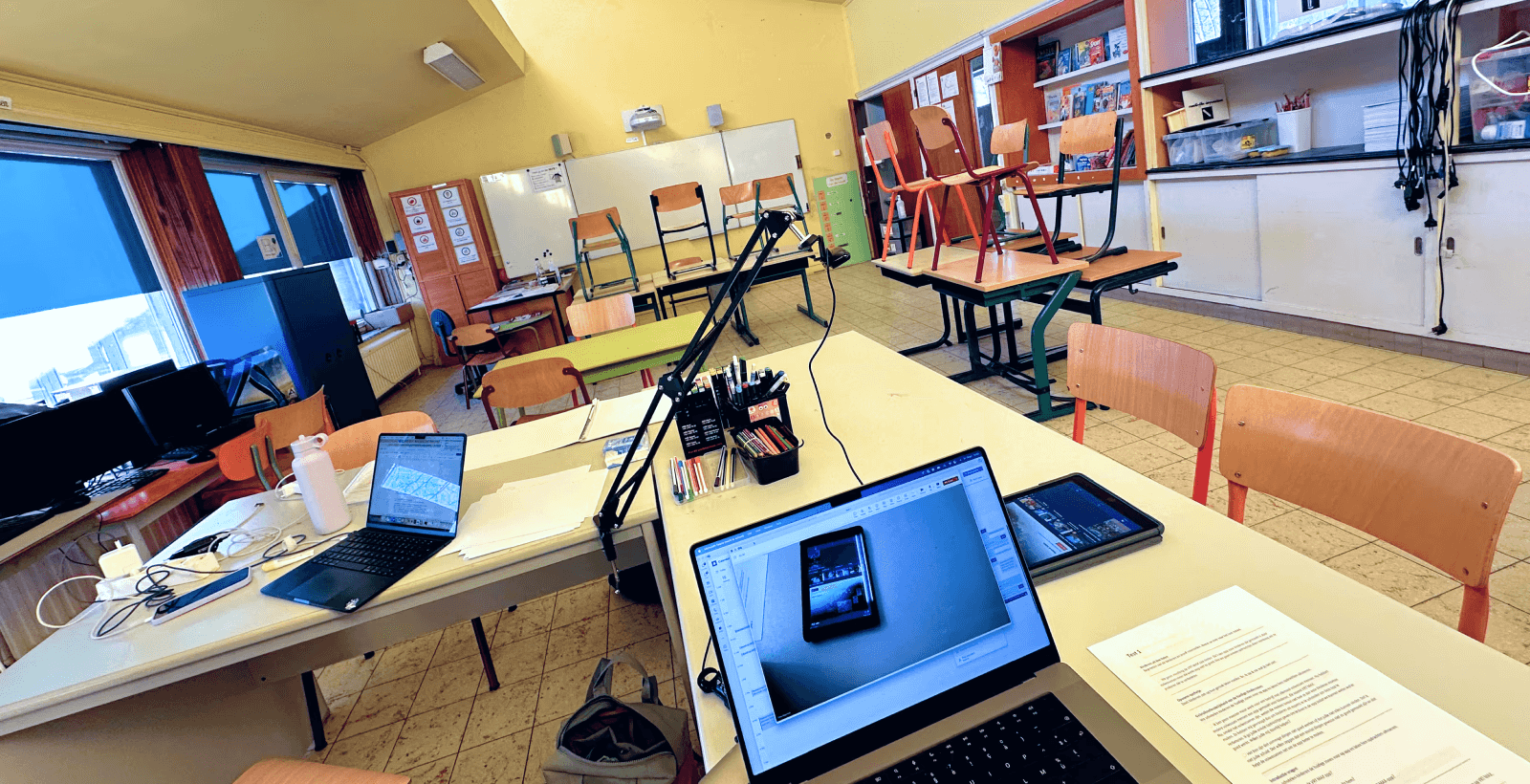
user testing set-up in a classroom
Processing the tests
Reviewing recordings and transcribing
I rewatched each test and transcribed the dialogue and actions of the children.
TIP - ai transcription tools
Modern AI software can assist in transcribing recordings, saving considerable time.
Identifying observations, insights, and issues
Based on the transcriptions, I created a spreasheet with columns for observations, insights, and issues. Additional columns included test details, child's age, task/question, observation, and platform location. Each test was assigned a distinct color for visual clarity.
Drawing conclusions and presentation
Once the spreadsheet was populated for each child, I began filtering by tasks or locations to compare test components systematically. From this, I derived conclusions. Subsequently, I compiled the conclusions, the entire testing process, and supplementary results such as drawings and design experiments into a presentation. I then presented this to stakeholders, including developers, other UX/UI designers, product owners, project managers, managers, and team leads.
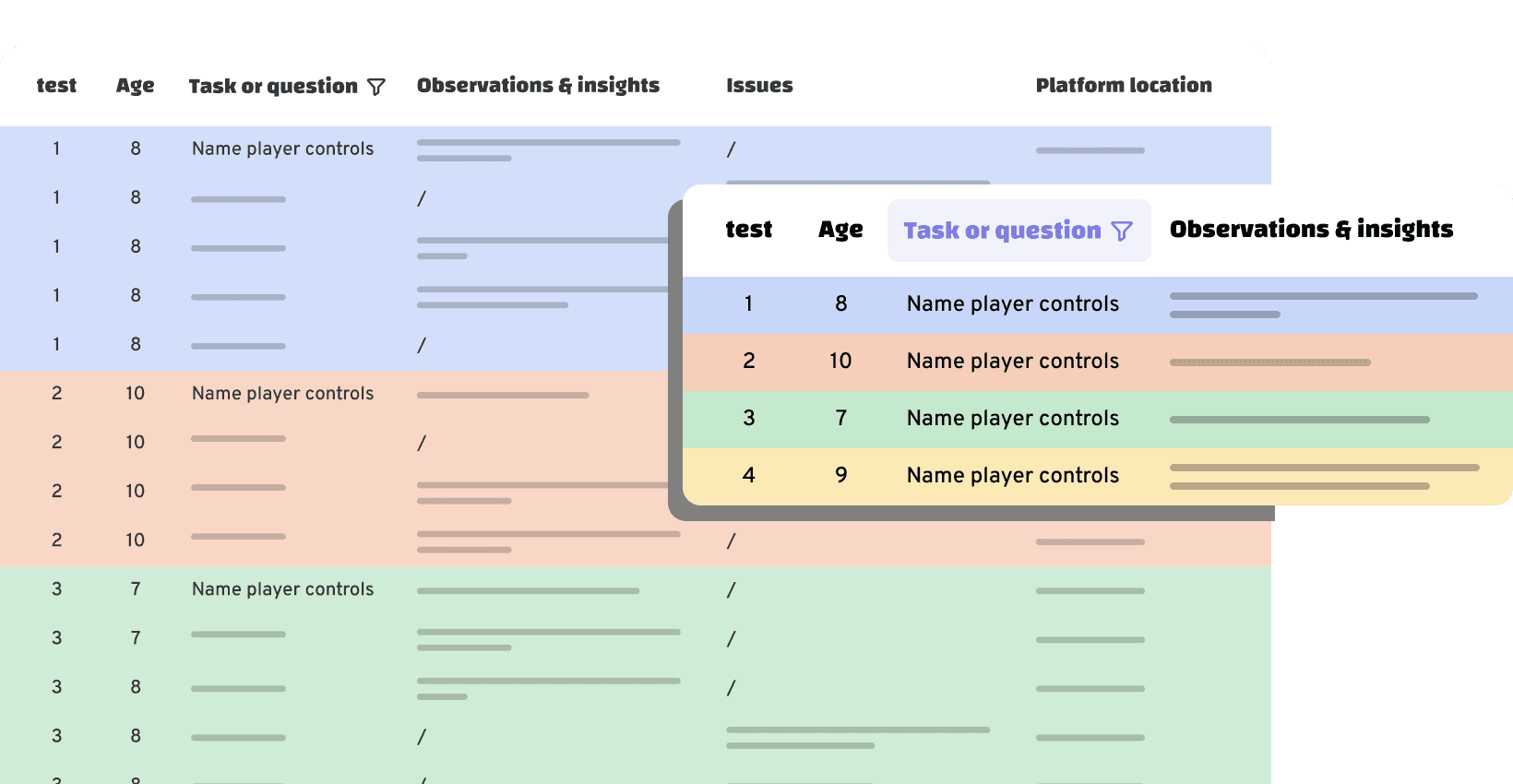
visual representation of a spreadsheet to process test results